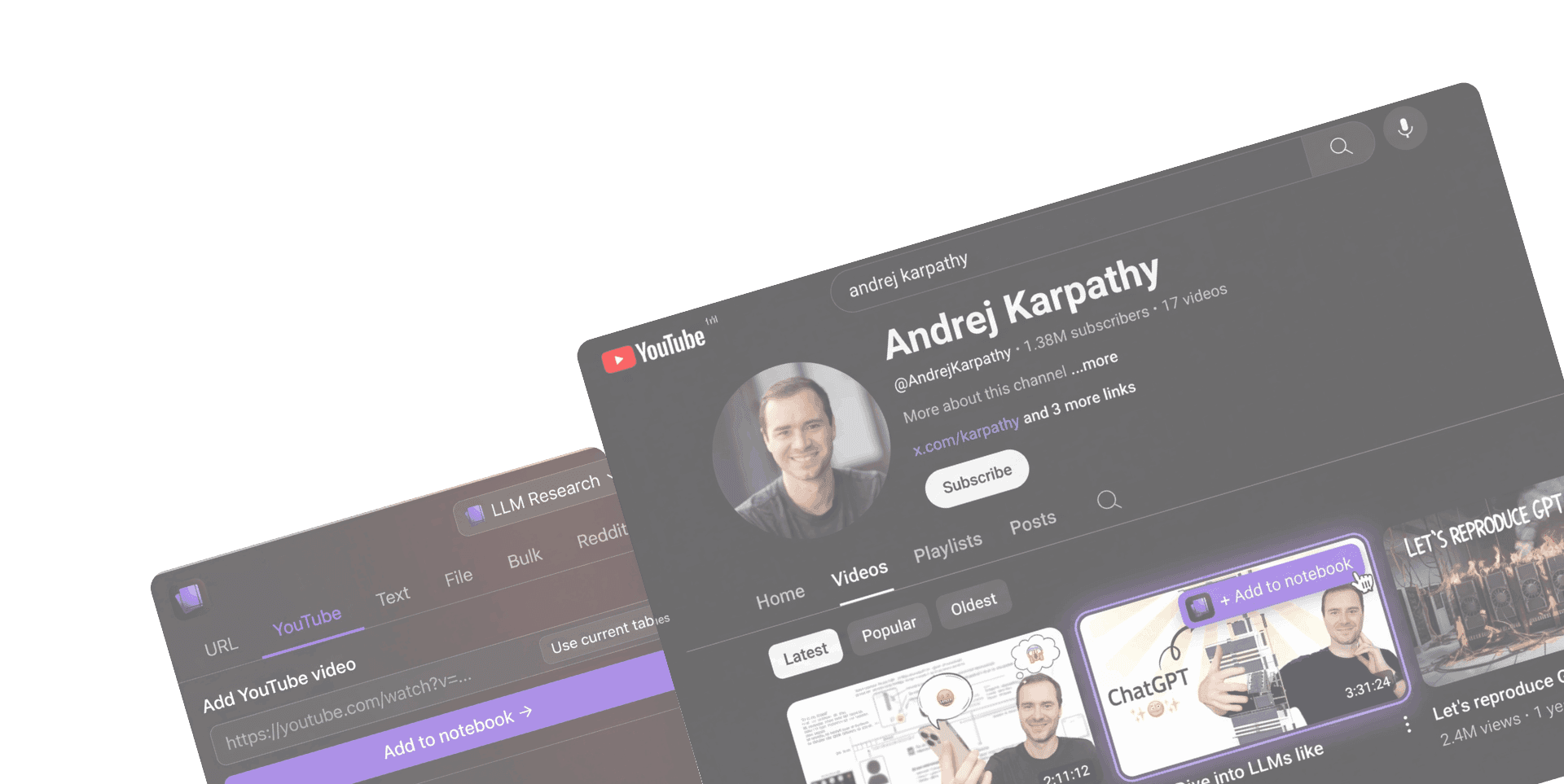
Save anything to NotebookLM — from any tab.


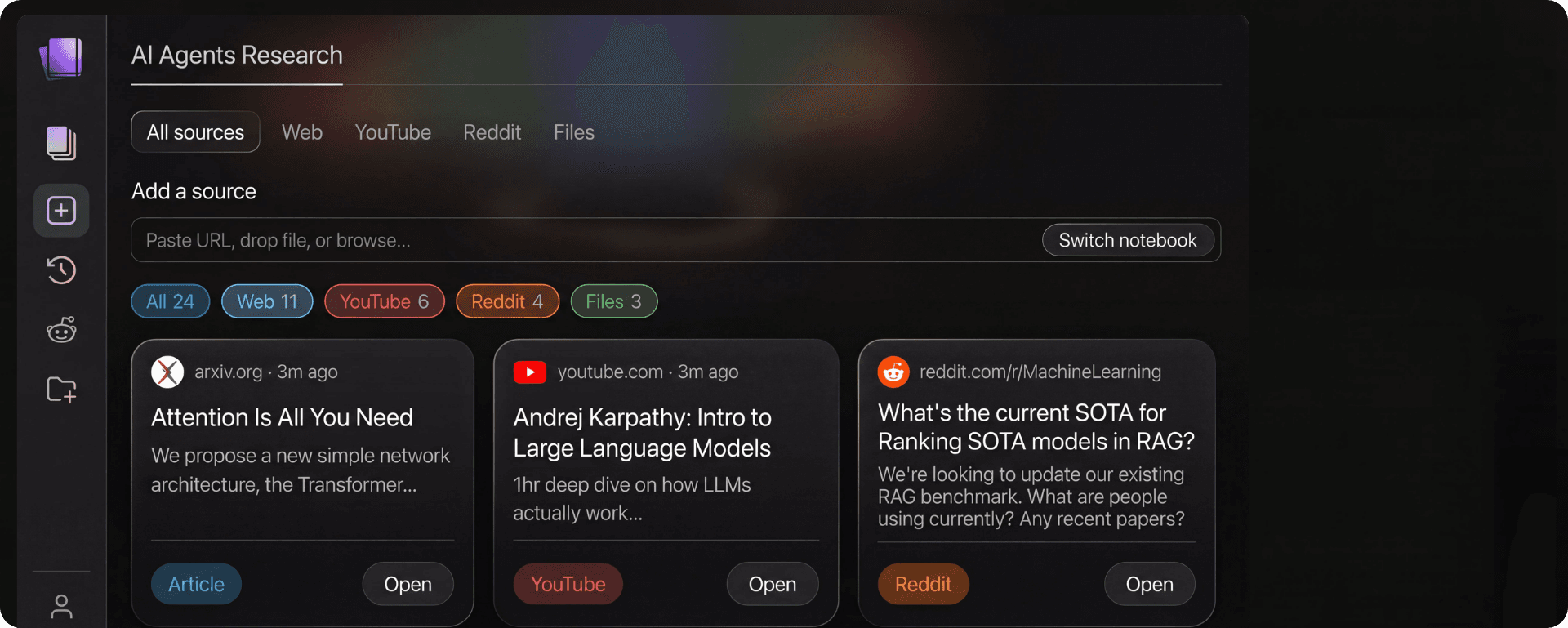
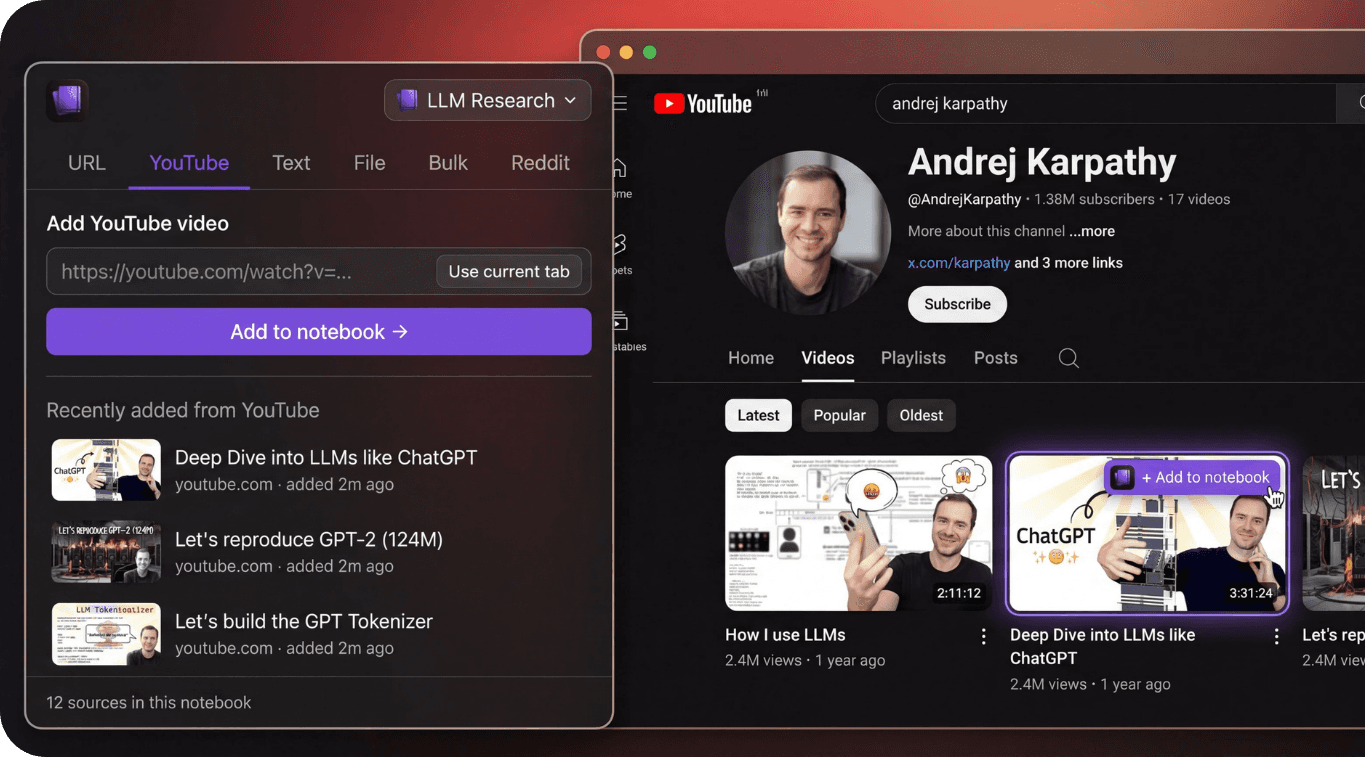
“I used to copy-paste URLs into NotebookLM one by one. With Kaptex I clip an entire Reddit thread or YouTube video in one click. My research workflow completely changed.”
“I run market research sessions in NotebookLM weekly. Kaptex lets me sweep all my open tabs directly into a notebook. Saves me 30 minutes every session.”
Your Capture Layer for NotebookLM
Take Kaptex wherever you browse. Save notes, articles and videos to your NotebookLM notebooks instantly. No breaking your research flow or switching tabs.
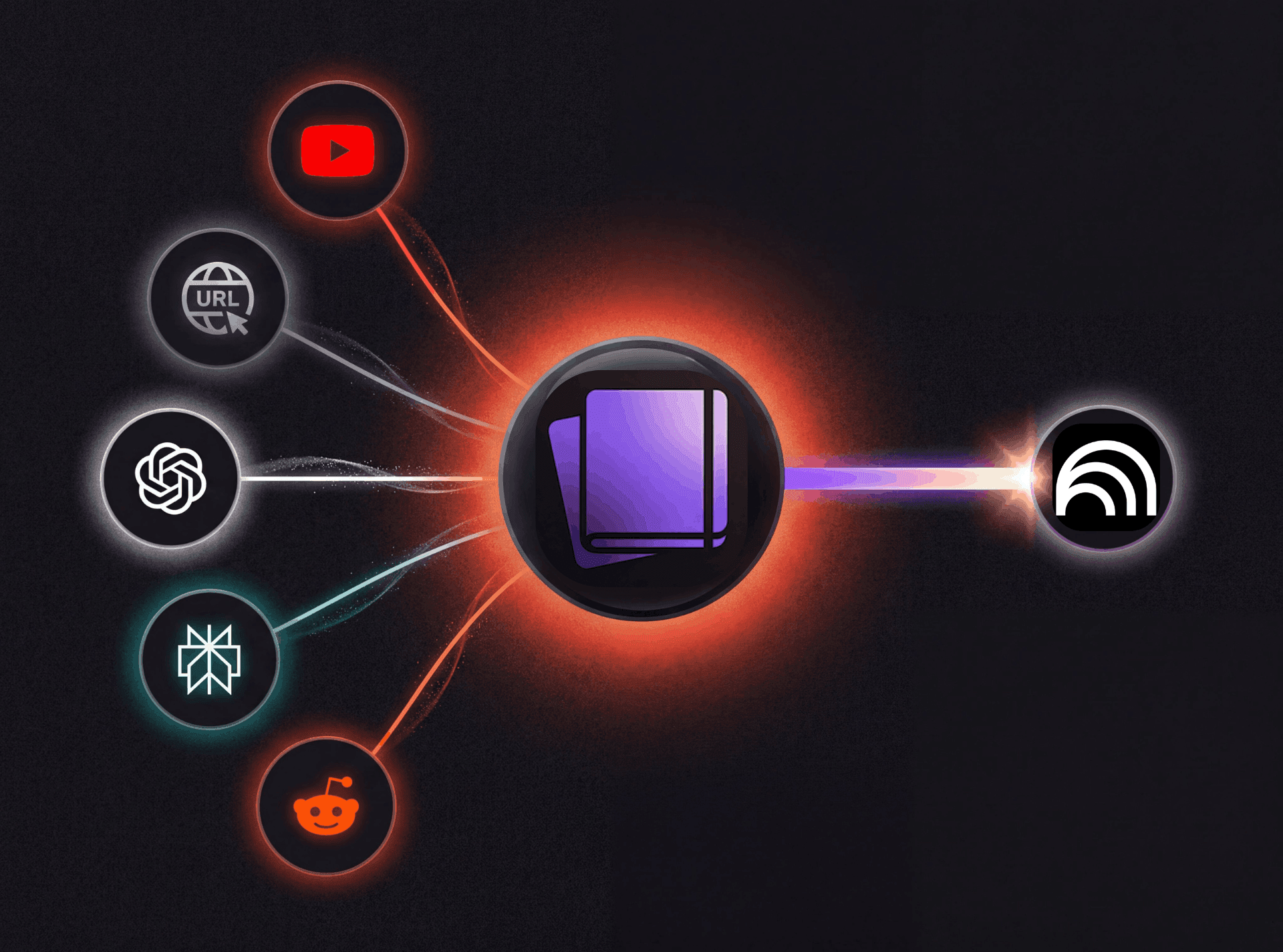
10x Your NotebookLM Experience
Kaptex clips any content into NotebookLM in one click, then helps you organize sources at scale.
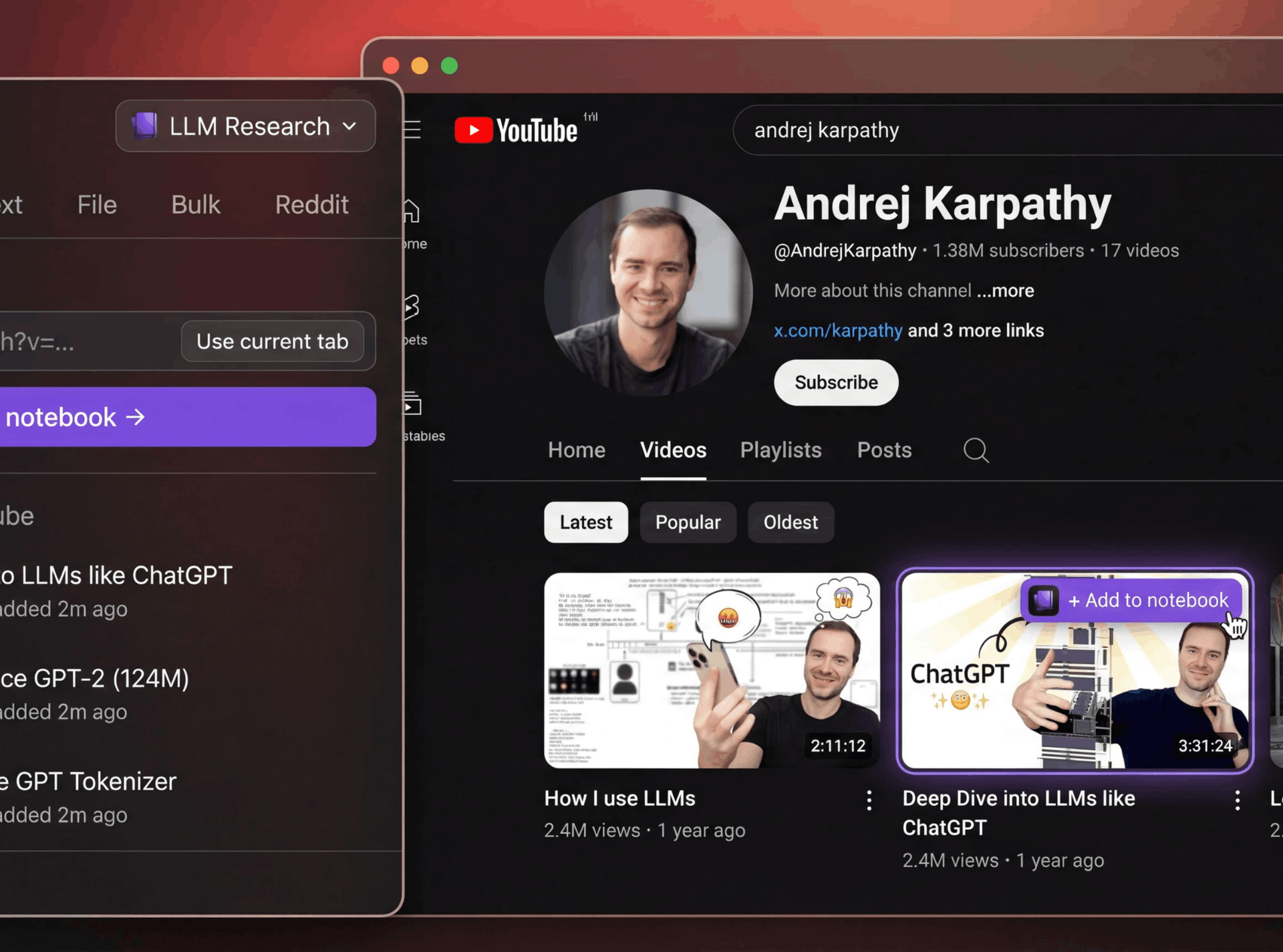
Capture from Claude, ChatGPT, Perplexity, YouTube, and Reddit in one click.
Kaptex injects an Add to notebook action on supported sites, so you can save content without breaking your browsing flow.
Supported Sites
Works on Claude, ChatGPT, Perplexity, YouTube, and Reddit.
Context-Aware Sending
Detects page context and chooses the right source type.
No Tab Switching
Save directly from the current page with less friction.
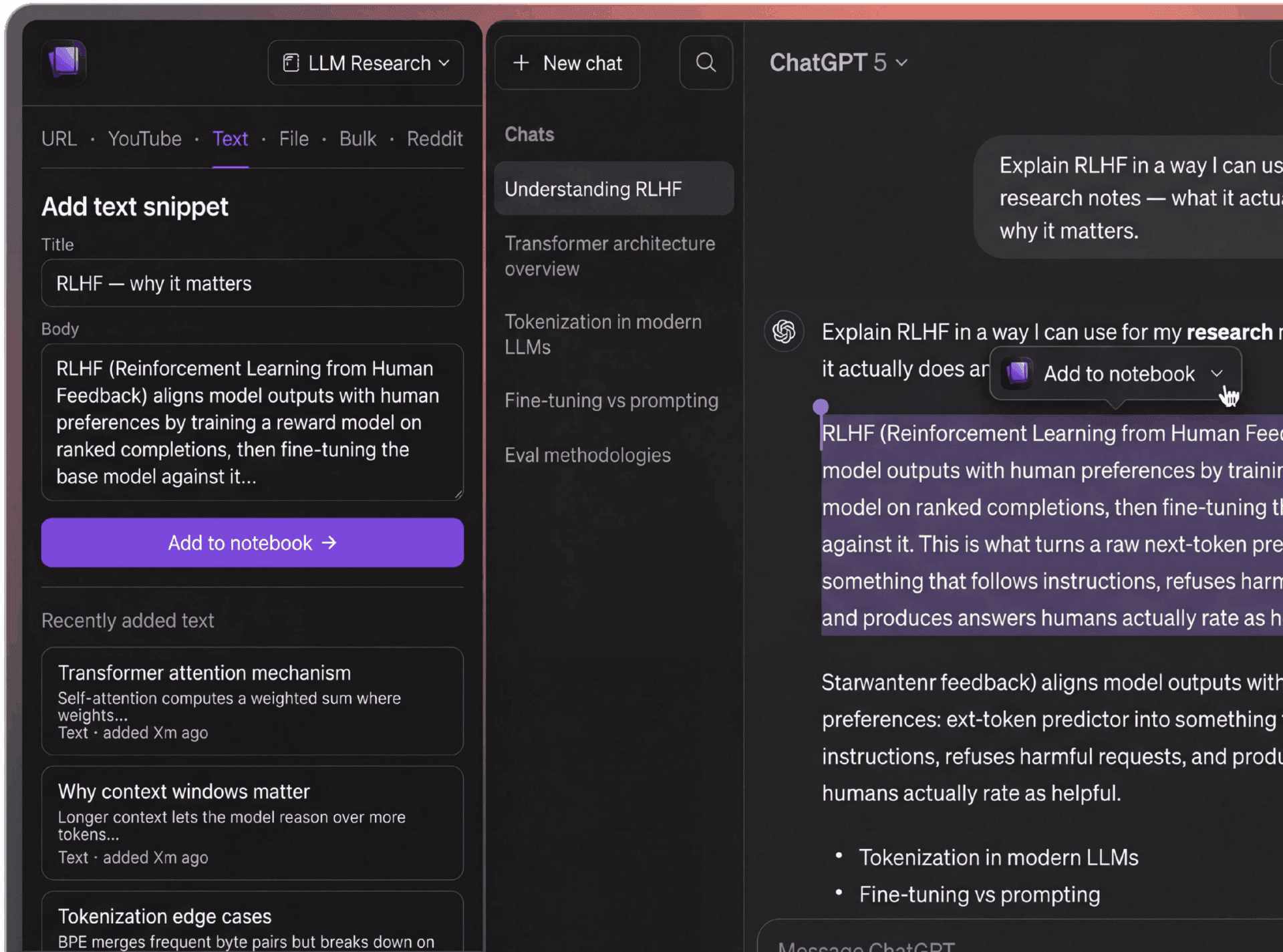
Capture every source type your workflow needs.
Add URLs, YouTube links, custom text, files, and Reddit content with dedicated flows built for NotebookLM ingestion.
URL, YouTube, and Text
Save links, videos, and custom notes as NotebookLM sources.
File Uploads
Upload .txt, .md, .csv, .html, .htm, and .json sources.
Reddit-to-NotebookLM
Preview structured post plus top comments before sending.
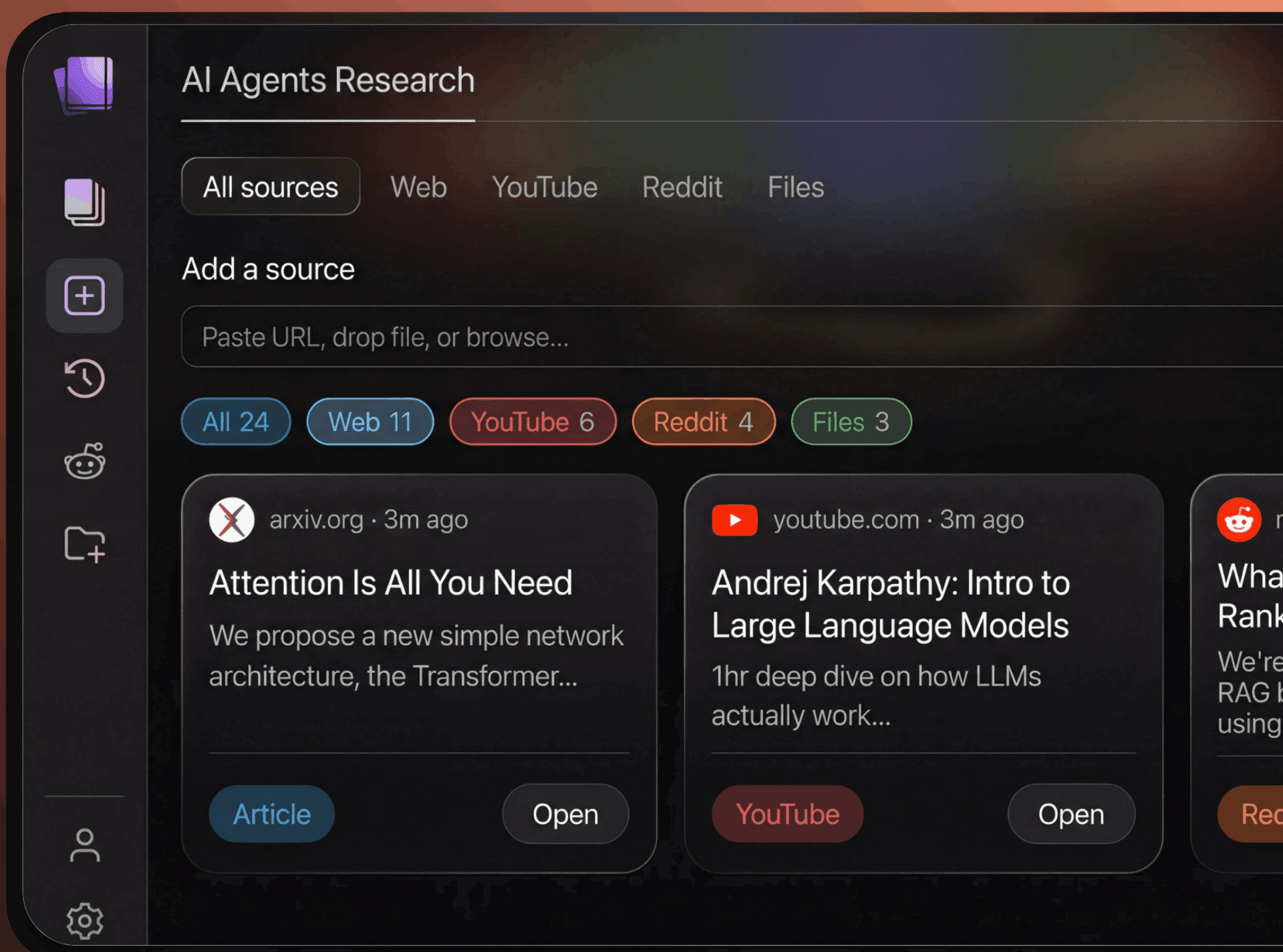
Bulk import and keep notebooks clean as you scale.
Import many sources in one go, manage notebook content centrally, and keep source state synced to your account.
Bulk Add Sources
Paste multiple URLs or import all current browser tabs.
Notebook and Source Management
List notebooks, view sources, delete, and refresh quickly.
Synced Workspace
Notebook and source metadata can be mirrored after updates.
“I save inspiration from everywhere — Twitter threads, YouTube videos, articles. Kaptex funnels everything into NotebookLM so I can query it all at once.”
“The bulk URL import is a game changer. I paste 20 links and Kaptex adds them all to my research notebook. Crazy how much time this saves.”
Start free. Upgrade when ready.
Free
Try Kaptex risk-free. No credit card needed.
- Save up to 10 sources per day
- Works on YouTube, Reddit & news sites
- 1 active notebook at a time
- Manual save from toolbar
- Basic source types (URL & text)
- One-click capture on AI sites
- Bulk import & file uploads
No credit card required.
Pro
POPULARBilled annually ($36/year)
Full access to every Kaptex feature.
- Unlimited source saves
- One-click capture on Claude, ChatGPT & Perplexity
- All supported sites (YouTube, Reddit & more)
- Bulk URL import & tab sweep
- File uploads (.txt, .md, .csv, .html, .json)
- Reddit preview before sending
- All notebooks, no limits
Cancel anytime.
Lifetime
Pay once. Everything included, forever.
- Everything in Pro
- Lifetime access — no recurring payments
- All future features included
- Early access to new site integrations
- Priority support
Pay once, use forever.
Frequently Asked Questions
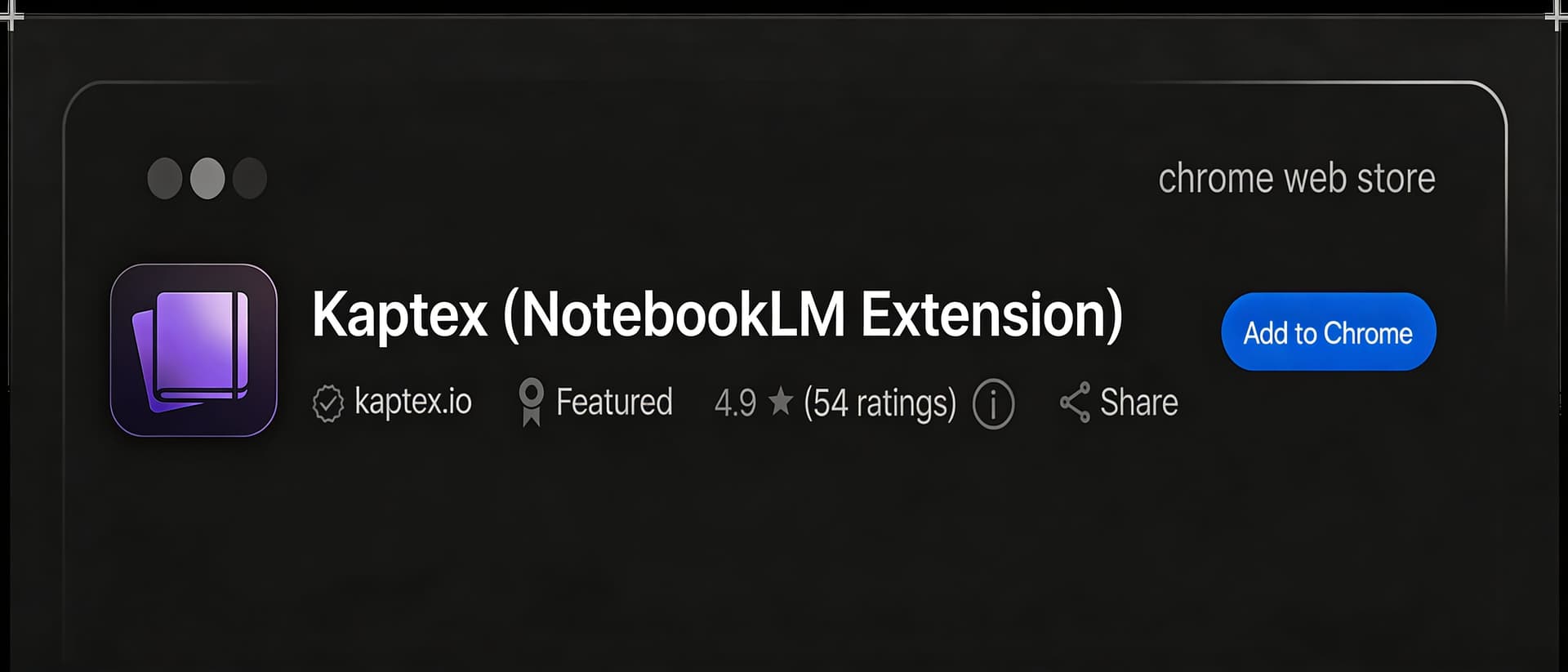
Kaptex is a Chrome extension that lets you save content to NotebookLM from any tab — without switching windows. Clip web pages, YouTube videos, Reddit threads, and files directly into your notebooks in one click.
Kaptex supports one-click capture on Claude, ChatGPT, Perplexity, YouTube, and Reddit. You can also save any URL, custom text, or upload files (.txt, .md, .csv, .html, .json) from any page using the extension panel.
Yes. The free plan lets you save up to 10 sources per day with basic source types. Pro ($3/month, billed annually) unlocks unlimited saves, one-click capture on AI sites, bulk import, and file uploads. The Lifetime deal gives you everything in Pro forever.
Kaptex eliminates tab switching and manual copy-paste. You save content directly from your current tab in one click, choose the notebook, and Kaptex handles source type detection automatically. It also lets you bulk-import multiple URLs, sweep your open tabs, and upload files — all without opening NotebookLM.
Yes. Kaptex connects to your Google account and shows all your NotebookLM notebooks. You pick which notebook to send each source to, and can manage sources across all notebooks from the extension panel.


Save anything to NotebookLM
Clip pages, YouTube videos, files and Reddit threads into your notebooks without switching tabs.